
Wisp
v1.0.4 · Windows 10 & 11
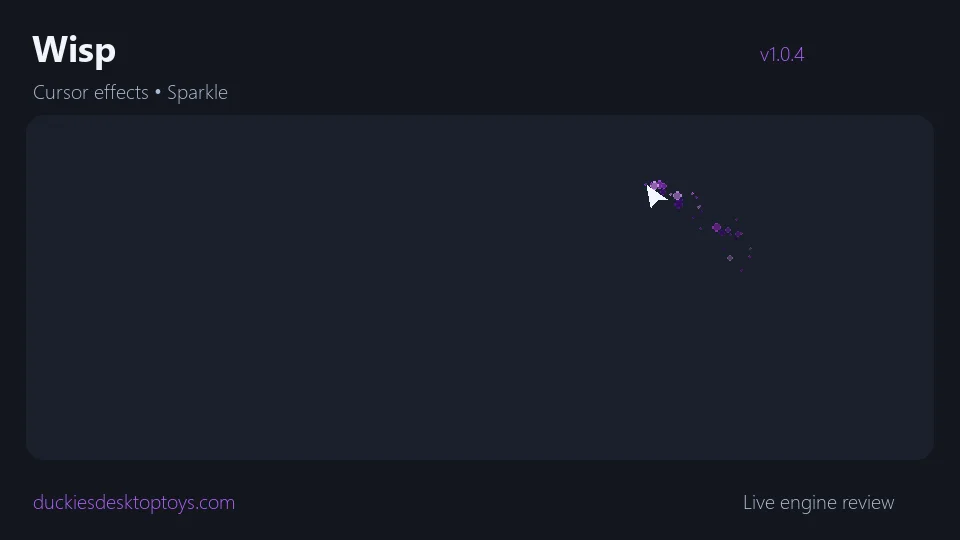
A free cursor-effects desktop toy that paints colourful trails and sparkles wherever your mouse goes. Eleven switchable effects — Cursor Trail (ghost copies of your pointer), Sparkle, Comet, Pixel Dust, Electric, Bubbles, Flame, Ribbon, Confetti, Snow and Shooting Stars — each with seven colour palettes (Arcane, Circuit, Miami, Rainbow, Fire, Ice, Candy). A full virtual-desktop overlay that spans every monitor and lets every click pass straight through to your desktop, folders and apps. Effect, palette, density, particle size, speed and trail length are all adjustable from a tray-icon menu and a polished Settings window. Pause anytime with Ctrl+Shift+P.
⬇ Download — FreeFree · No ads · No tracking · No account
Because this comes from a tiny, brand-new publisher, Windows may show an “unrecognized app” warning the first time — that's a reputation flag, not a sign of anything harmful. Click More info → Run anyway. Only ever download from this site.